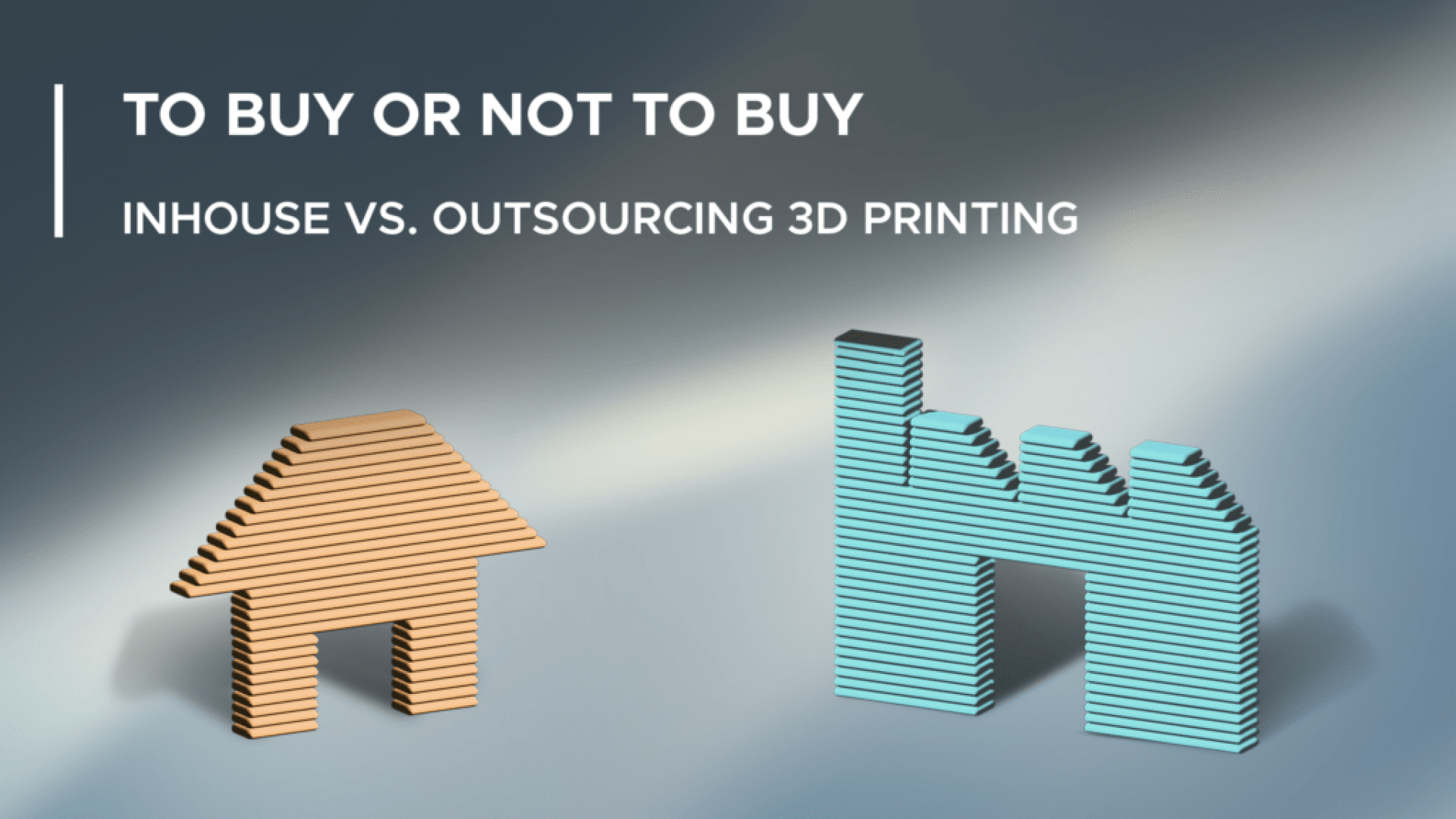
To buy or not to buy, that is the question. It might sound like a stretch from Shakespeare, but it’s a real dilemma for manufacturers once additive manufacturing enters the picture. The technology keeps finding new applications, and more companies are weighing whether to integrate 3D printing into their processes. That naturally raises the question: print in-house, or outsource it?
There’s no simple answer here – both options come with trade-offs. This guide won’t hand you a verdict, but it will walk you through six factors worth weighing between in-house and outsourced 3D printing.
1. Location
Where your products are actually needed should weigh heavily on this decision. If you only need to supply parts within one country or region, keeping printers centralized is usually the simplest solution.
But if you’re supplying parts globally, shipping to the other side of the world gets expensive fast – and that’s before factoring in supply chain disruptions that can throw off delivery timing. Working with multiple print farms spread across regions, or with a 3D printing platform that has a global printer network, can solve this.
2. Design flexibility
Design flexibility is one of 3D printing’s biggest strengths. During prototyping, you want to print a part, test it, tweak it, and print again. That loop is fastest and easiest in-house, since design changes can go straight into the next print. Outsourcing slows this down – parts need shipping, printers need to be available, and so on. That stops being a real problem once you’re in small-series production, since by then the design is locked.
Faster design iteration
How many more prototype rounds does your current project actually need?3. Scalability
Scalability for in-house versus outsourced 3D printing really comes down to two things:
Number of different designs. With printing technologies and materials multiplying constantly, the possible printer-material combinations are nearly endless. Producing a wide range of products usually means needing different materials and technologies – and therefore multiple printers. Post-processing options need to be covered internally too. In that case, outsourcing is usually the better call for reducing complexity. If you’re producing a limited number of designs, ideally in the same printing technology, in-house can be the better fit.
Part volume. High quantities often make more sense to outsource, since producing them in-house turns into an operation of its own. The same holds at the other extreme – if you only need 1-2 parts a week, buying a printer for that volume rarely pencils out. For the mid-range volumes that fit comfortably within your printer’s capacity, in-house is usually the best option.
4. Investment
Budget-friendly desktop 3D printers exist, but for technologies like SLS or metal printing, you’re often looking at high-end systems that demand serious upfront investment. Industrial SLS printers, for instance, run roughly from $30,000 up past $500,000 depending on build volume and configuration, according to manufacturer pricing, and metal systems can run into seven figures. Beyond the printers themselves, maintenance, staff training, and material procurement all add to the total cost. Then there’s the floor space and possibly new hires – all of which raise not just cost but risk, since it becomes part of your fixed cost structure.
If those expenses aren’t justified by production volume or innovation potential, working with a print farm or platform is worth a serious look instead.
Sizing up the investment
Would a printer of your own actually pay for itself given your part mix?5. Capability and quality assurance
Additive manufacturing differs sharply from other manufacturing methods, and there are design and production guidelines that need to be followed to get high-quality parts out the other end. If you lack that expertise, or the time to train staff and build the know-how internally, outsourcing may be the smarter option – it gives you confidence that parts are printed to the right quality without building that capability from scratch.
6. Timeline
Setting up an internal printing operation takes time. Buying and installing printers is a matter of hours or days; training staff and setting up processes is a matter of weeks or months. If your timeline for that setup itself is tight, external 3D printing is usually the faster path.
Once that setup is actually in place, though, the picture flips: for simple parts where the material, printing technology, and parameters are already qualified and tested, in-house printing is typically faster than outsourcing – there’s no shipping involved, and the job doesn’t need to be scheduled into an external partner’s queue. So timeline cuts both ways: it favors outsourcing in the short term, and in-house once your own capacity is up and running.
Overview: pros and cons of in-house vs. outsourced 3D printing
| Factor | Favors in-house | Favors outsourcing |
|---|---|---|
| Location | Demand concentrated in one region | Global demand, distributed locations |
| Design flexibility | Frequent, fast design changes | Design already locked (small series) |
| Scalability | Few designs, mid-range volume | Many materials/technologies or extreme volumes |
| Investment | Volume justifies fixed costs | Upfront investment hard to justify |
| Capability | Expertise already in place | Building know-how too costly |
| Timeline to get started | Enough lead time to train staff and build processes | Short-notice need, no time to set up |
| Timeline per order (once set up) | Simple, already-qualified part – no shipping involved | New or complex part with no established process |
Why not combine both?
There’s no blanket answer for whether in-house or outsourced 3D printing is the better option. In some cases, combining both is actually the right fit: you produce certain parts in-house on your own printer, while ordering the rest externally. That might sound like it needs a lot of coordination – with a digital platform like Replique, it doesn’t. Within your own platform, you can connect your in-house printers and choose, part by part, whether to print it yourself or place an order to have it produced externally by a 3D printing service bureau near wherever it’s needed.
FAQ
When does in-house 3D printing make the most sense?
When demand is regionally concentrated, part volumes sit in the mid-range, you’re producing a limited number of designs in the same printing technology, and you already have enough in-house know-how for quality assurance. Once that setup is in place, in-house is also typically faster than outsourcing for simple parts with already-qualified material and tested parameters.
When is outsourcing the better choice?
When demand is spread globally, quantities are either very low or very high (or swing widely), you need many different materials and technologies, your timeline is tight, or you lack in-house expertise.
How much does an industrial 3D printer actually cost?
It depends heavily on technology and configuration. Industrial SLS systems run roughly from $30,000 to over $500,000, and metal printing systems often go well beyond that. On top come maintenance, training, and material costs.
Can you combine in-house printing with outsourcing?
Yes. A digital platform like Replique lets you connect your own printers while still ordering parts externally on demand – without adding extra coordination overhead.
Making the decision in practice
Why does the location of demand matter so much?
Because shipping parts long distances gets expensive and is more exposed to supply chain disruptions. A global printer network or several print farms can offset that disadvantage.
What happens if requirements change over time?
That’s exactly what a hybrid setup is built for: the split between in-house and external production can be adjusted at any time through a digital platform, without having to rebuild your entire manufacturing strategy.